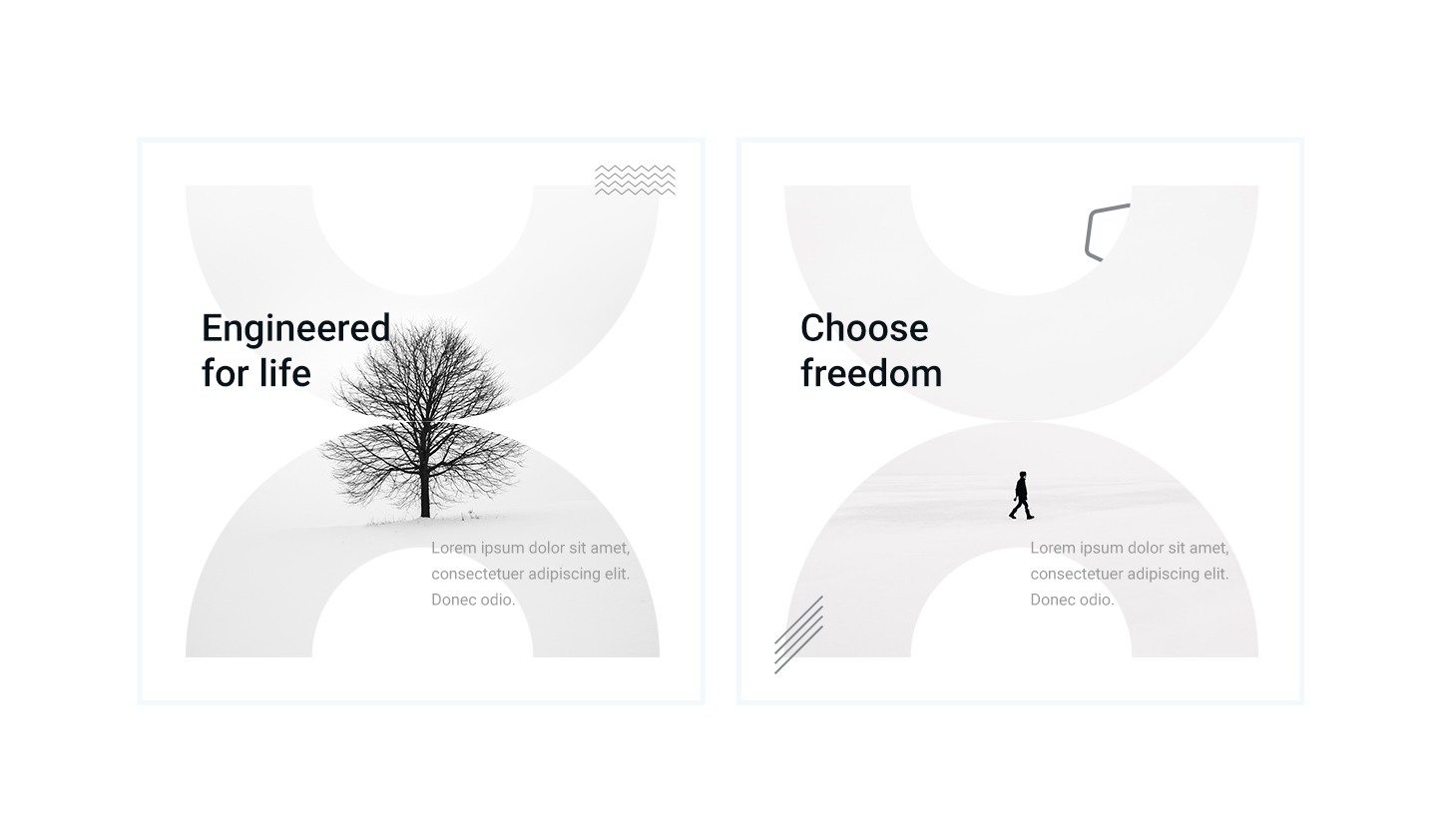
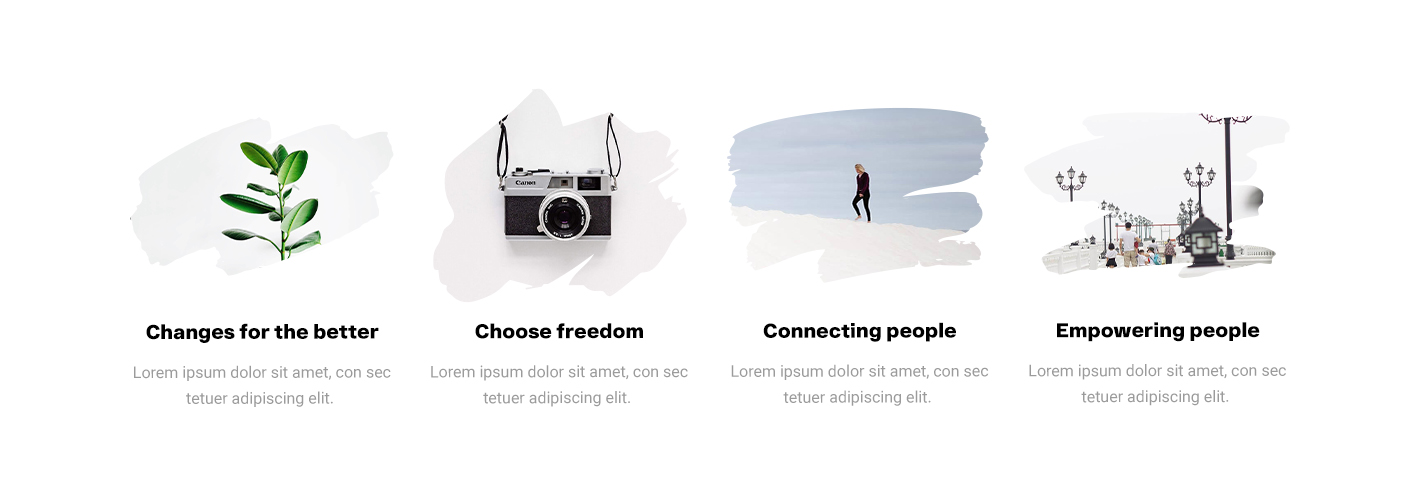
Every image on your Divi site starts as a rectangle. Masks change that. They let you crop images into shapes, create visual interest, and make your layouts feel custom instead of template-default.
But until now, getting custom masks into Divi meant leaving the builder. You had to find SVG shapes somewhere online, open an SVG editor, extract the path data, convert it to a format Divi understands, and apply it with custom CSS. It worked, but it was tedious. It broke your flow. And most people just skipped it entirely.
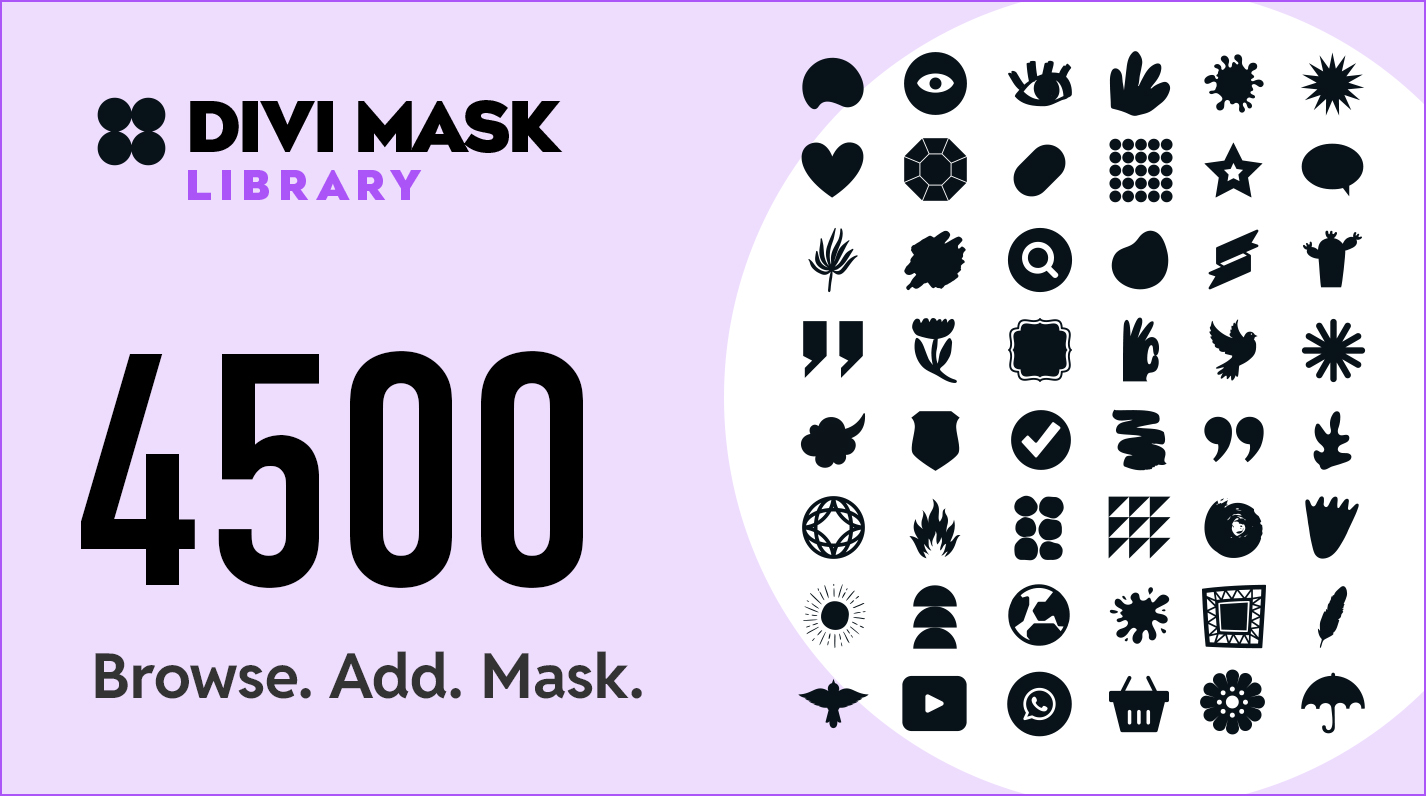
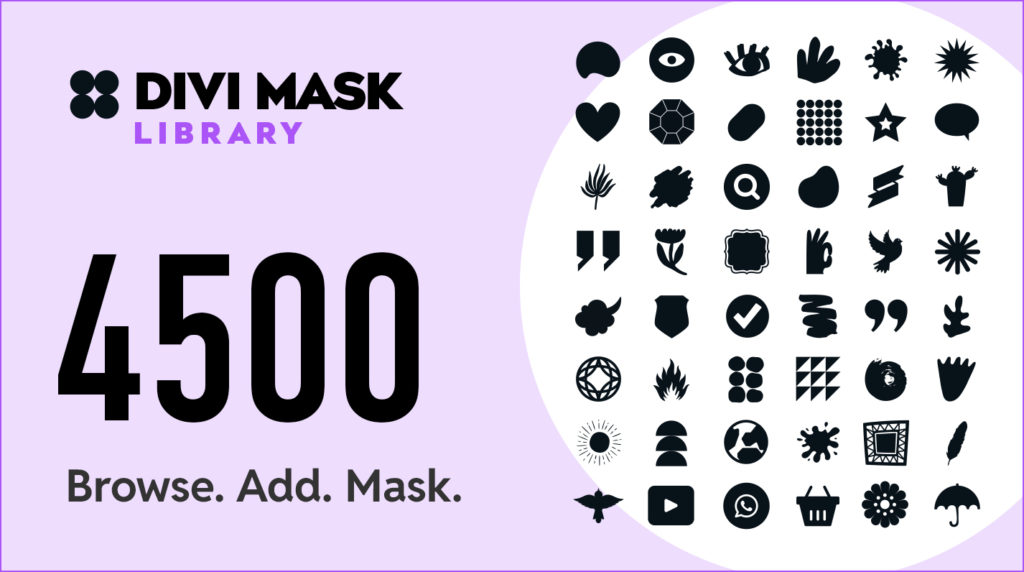
Today we are launching Divi Mask Library on the Divi Marketplace. It gives you 4,500+ SVG shapes you can browse, save, and apply as Divi masks directly inside the Visual Builder. No SVG editing. No custom CSS. No leaving the builder.
4,500+ Hand-Drawn Shapes. All CC0 Licensed.
Every shape in the library was hand-drawn by our designer and co-founder Kyra Pieterse. These are not stock SVGs pulled from free icon sites. They are original artwork, purpose-built for masking.
The library spans 56 categories: abstract, Bauhaus, blobs, brushes, brutalism, bubbles, doodles, dots, frames, geometric, grids, organic, splashes, squiggles, arrows, badges, birds, botanicals, feathers, flowers, leaves, moons, suns, wings, and more.
All shapes are CC0 licensed. That means commercial use, no attribution, no restrictions. Use them on client sites, personal projects, or agency work. The license is yours forever.
Why We Built This
We are Divi Den. We have been building websites since 2000 and working with Divi since 2016. We have 1,511+ sales on the Divi Marketplace across 6 products, including Divi Den Pro with its 3,000+ layout library.
We wanted custom masks on our own projects. The workaround was always the same: leave the builder, open Illustrator or Figma, fight with SVG path data, write CSS to hook it into Divi’s mask system. It was possible, but it killed momentum. So we built a tool that puts the entire workflow inside WordPress.
How It Works
Divi Mask Library has a simple two-step workflow.
Step 1: Browse and save masks. Open the Mask Library page in your WordPress admin. The cloud shape browser lets you search by keyword, filter by category, and scroll through the full library. When you find a shape you like, click Add. The plugin converts the SVG into a Divi-compatible mask and saves it to your site. Done.
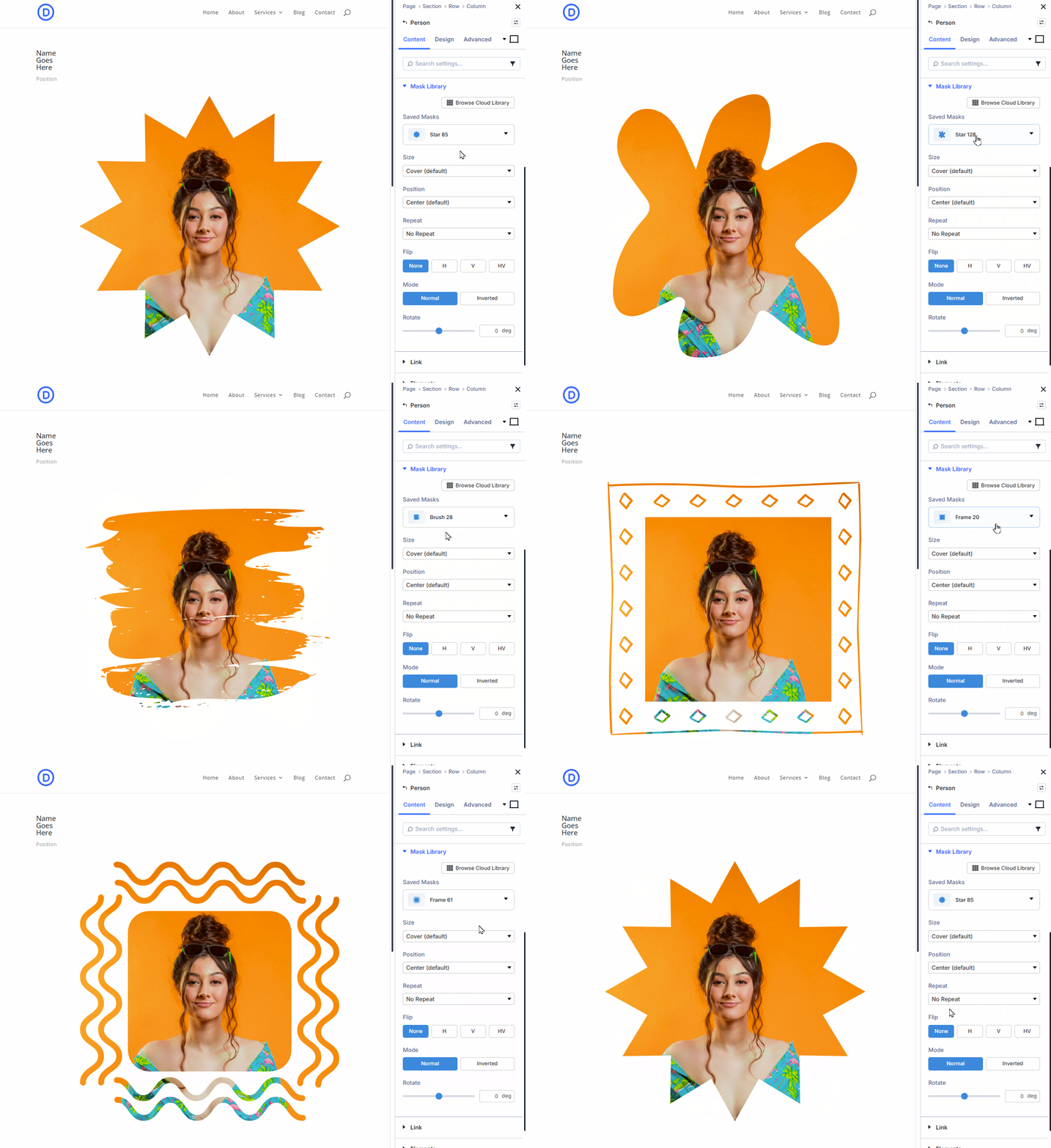
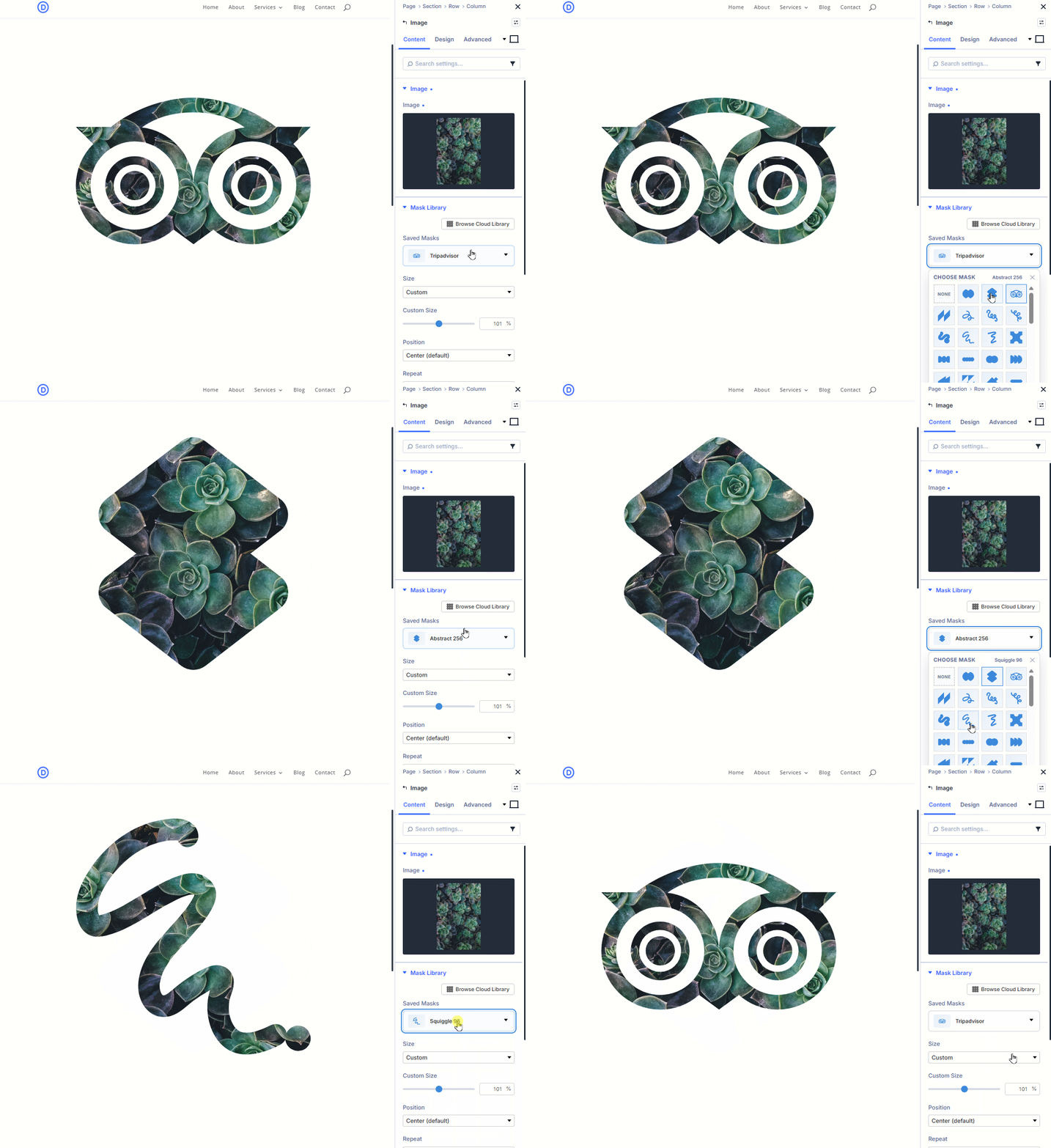
Step 2: Use saved masks in the Visual Builder. Open any supported module, expand the Saved Masks panel, and choose a mask from the dropdown. The mask applies to the module’s image instantly in the builder preview. Adjust the design controls, save your page, and publish.
That is the entire workflow. No external tools. No file uploads. No CSS.
Full Design Control Inside the Builder
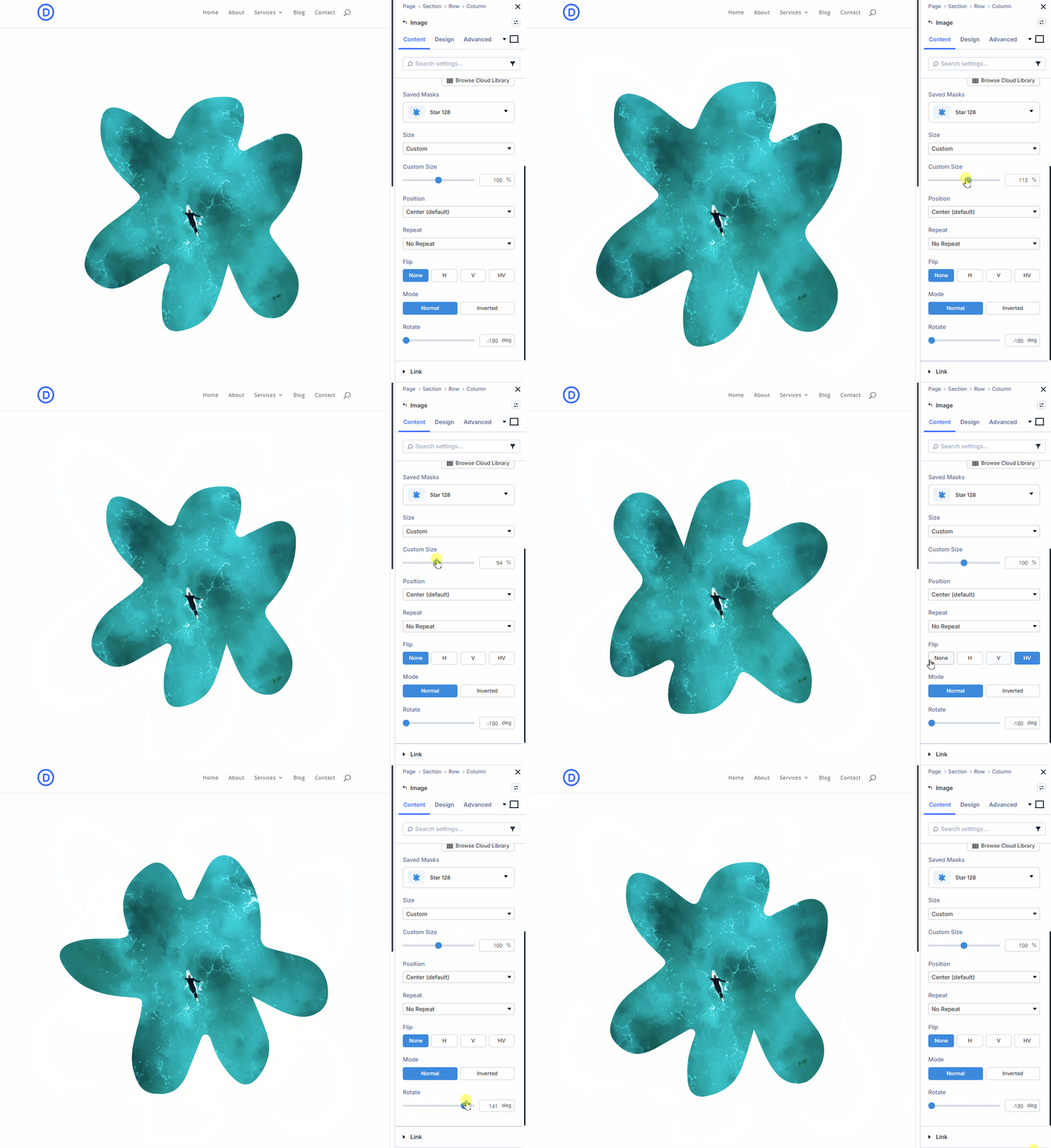
Every saved mask gives you these controls directly in the module settings panel:
- Size – Cover, Contain, Auto, 75%, 50%, or a custom value
- Position – Center, Top, Bottom, Left, Right, and all four corners
- Repeat – No Repeat, Repeat, Repeat X, Repeat Y, Round, Space
- Flip – Horizontal, vertical, or both
- Mode – Normal or inverted
- Rotation – -180° to 180°
- Responsive states – Desktop, tablet, and phone with per-device overrides
- Hover state – Separate mask on hover with transition duration, delay, and speed curve
You can set a different mask for desktop, tablet, and phone. You can set a completely different mask on hover with smooth transitions. All of this works through Divi’s native device and state controls. No custom code required.
13 Supported Divi Modules
Divi Mask Library works with every image-bearing module in Divi 5:
Image, Before After Image, Blurb, Team Member, Fullwidth Header, Blog, Gallery, Filterable Portfolio, Portfolio, Fullwidth Portfolio, Post Slider, Slider, and Video.
For Before After Image and Fullwidth Header, you can apply one shared mask to both image targets or configure each image separately.
What You Can Do With It
Here are a few ideas to get you started:
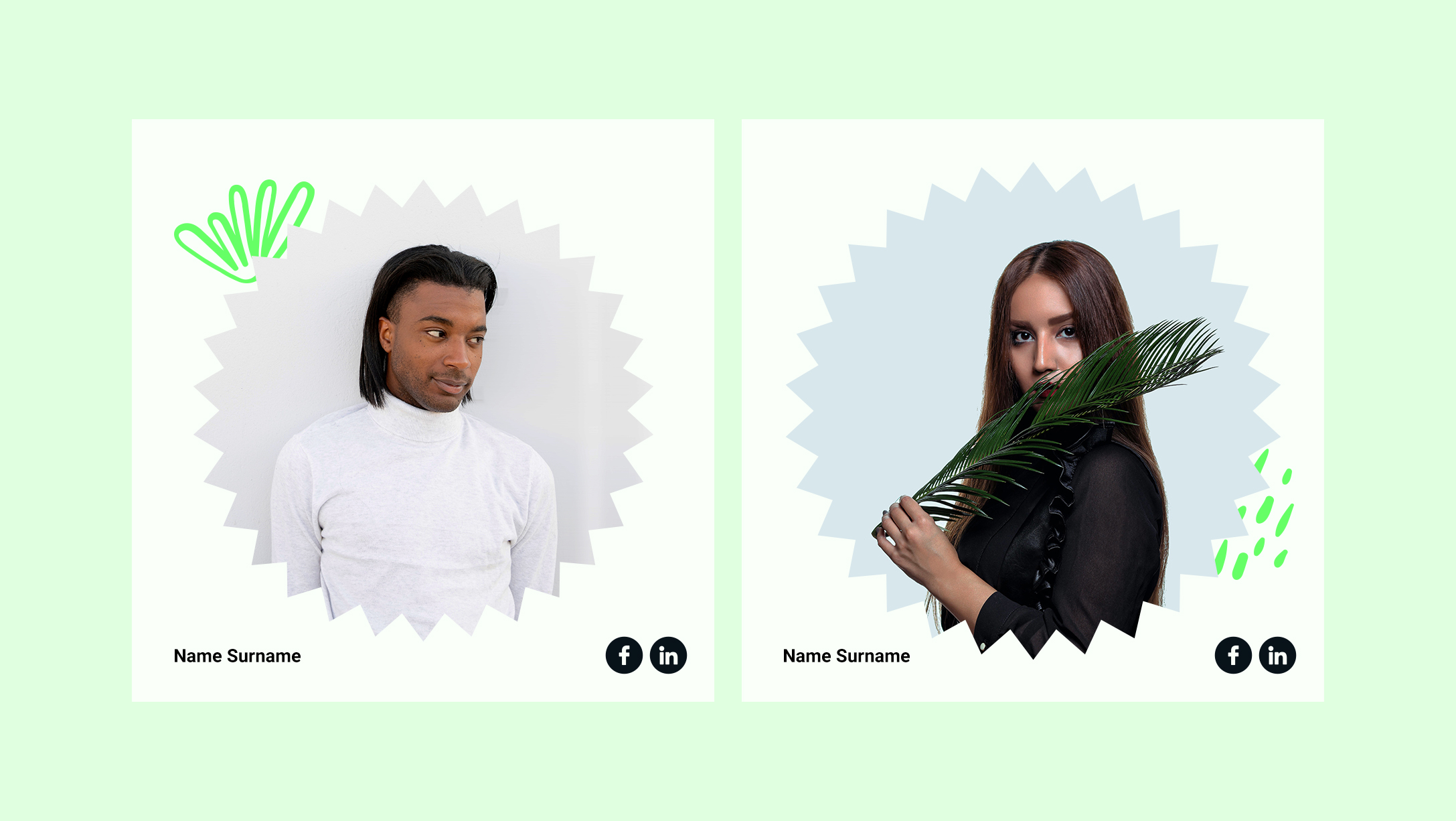
- Break images out of rectangles with organic blob or brush shapes
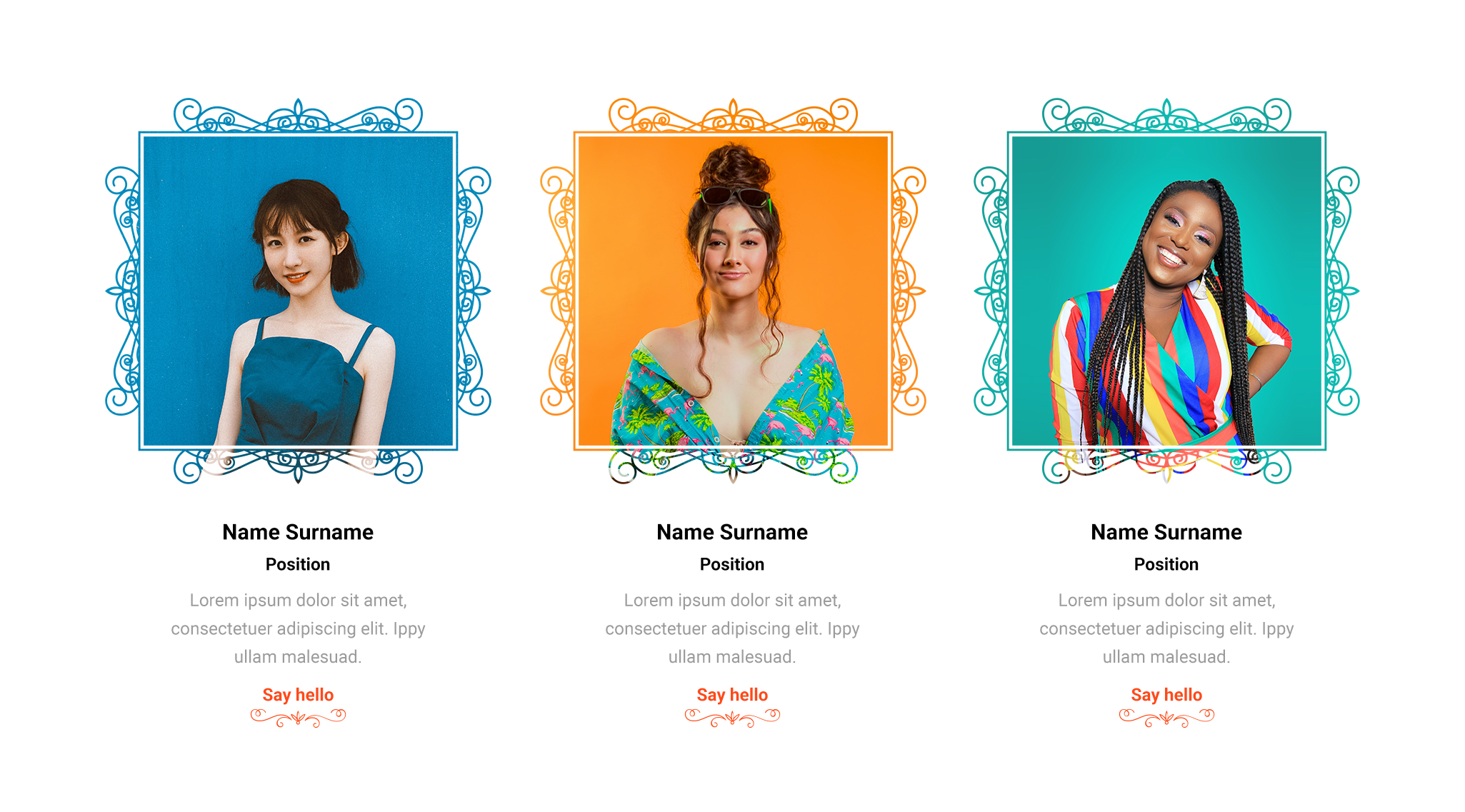
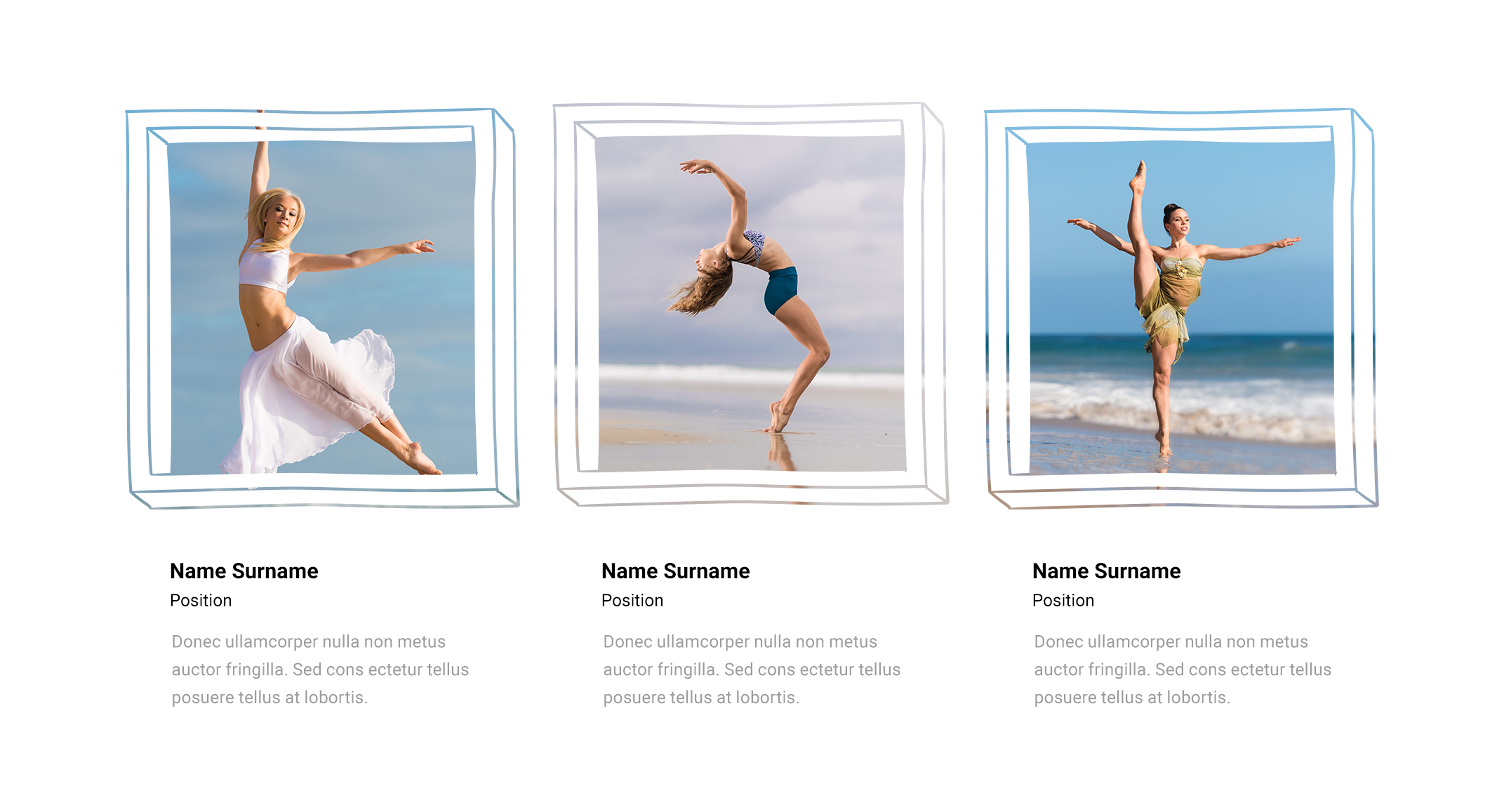
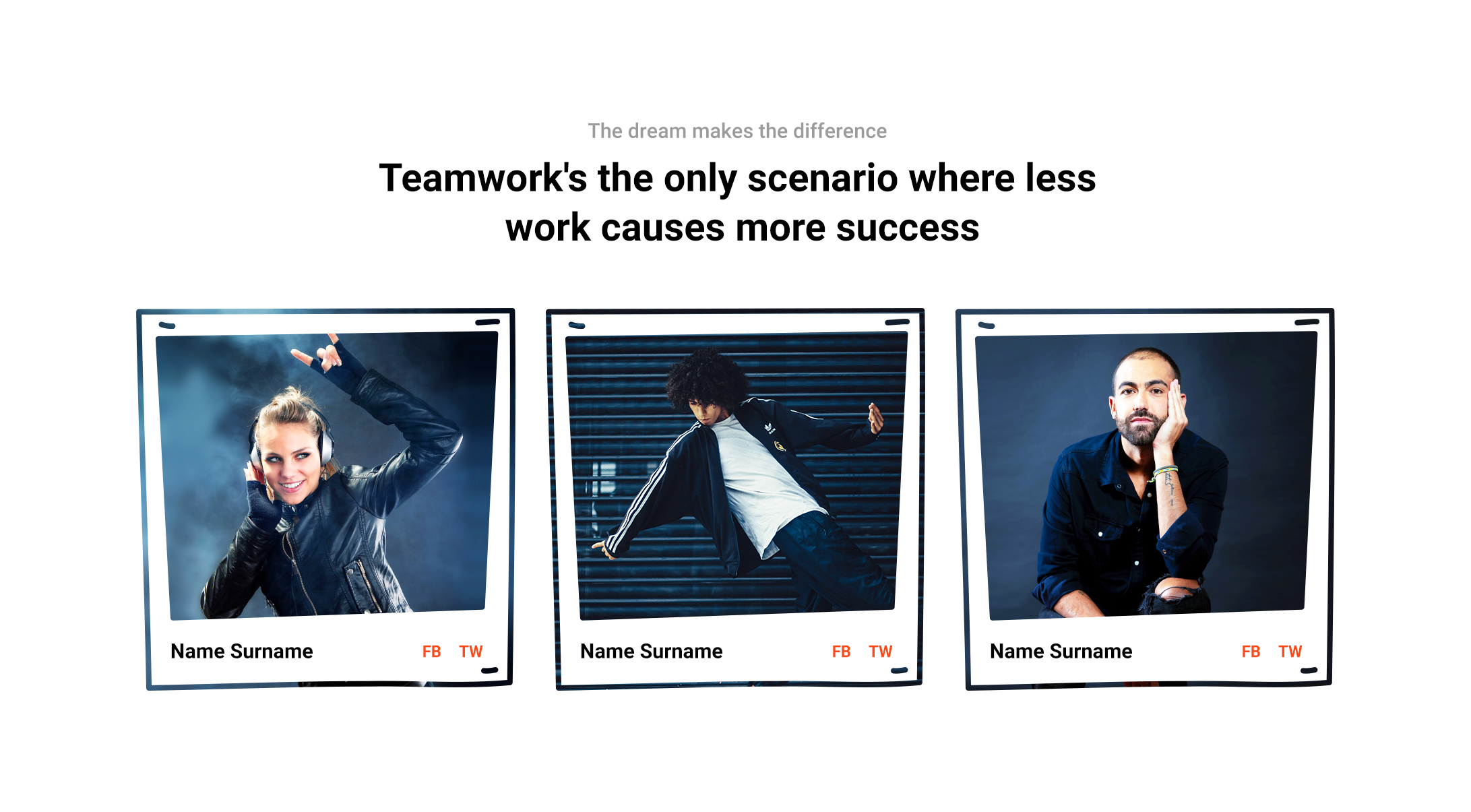
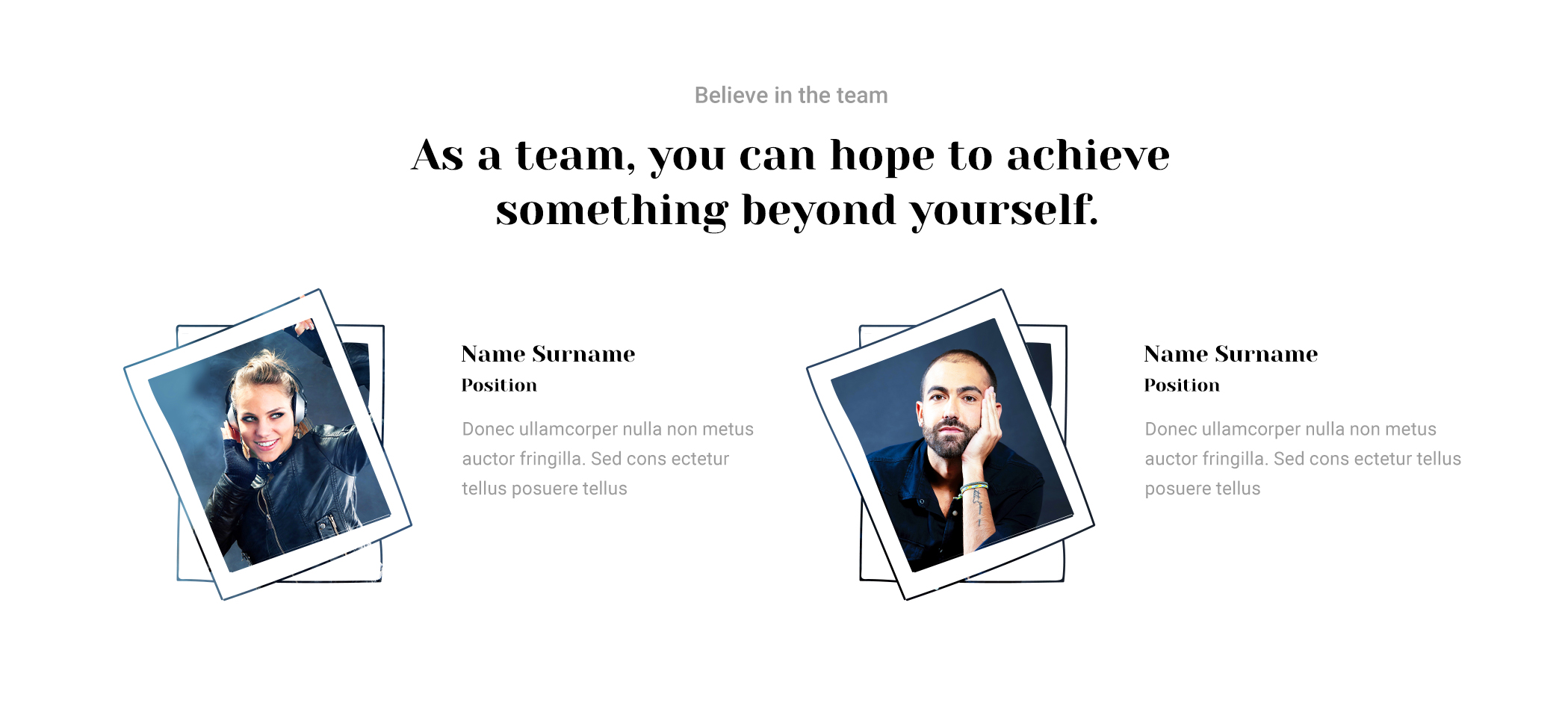
- Add branded frame masks to team member photos
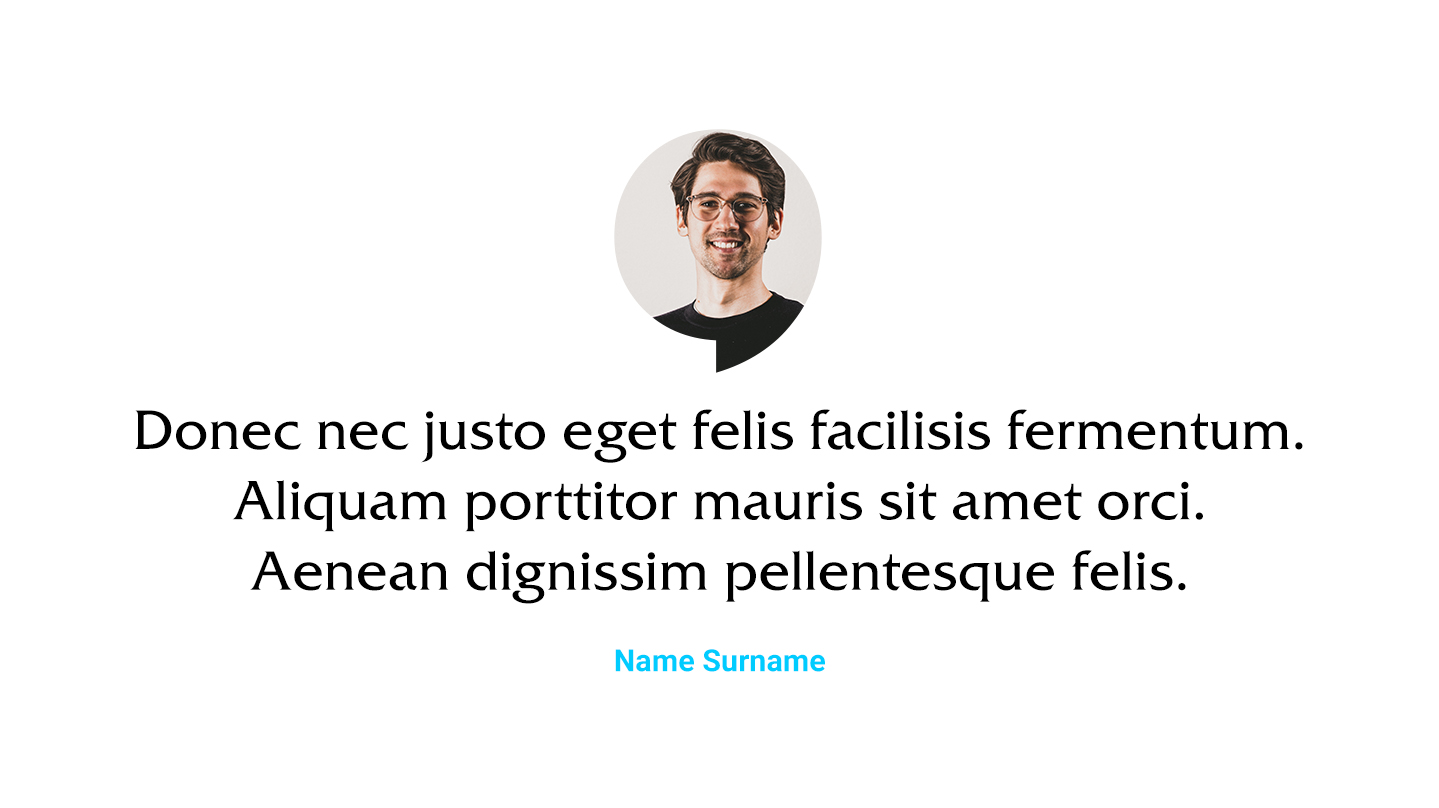
- Create portrait cutouts for about pages and testimonials
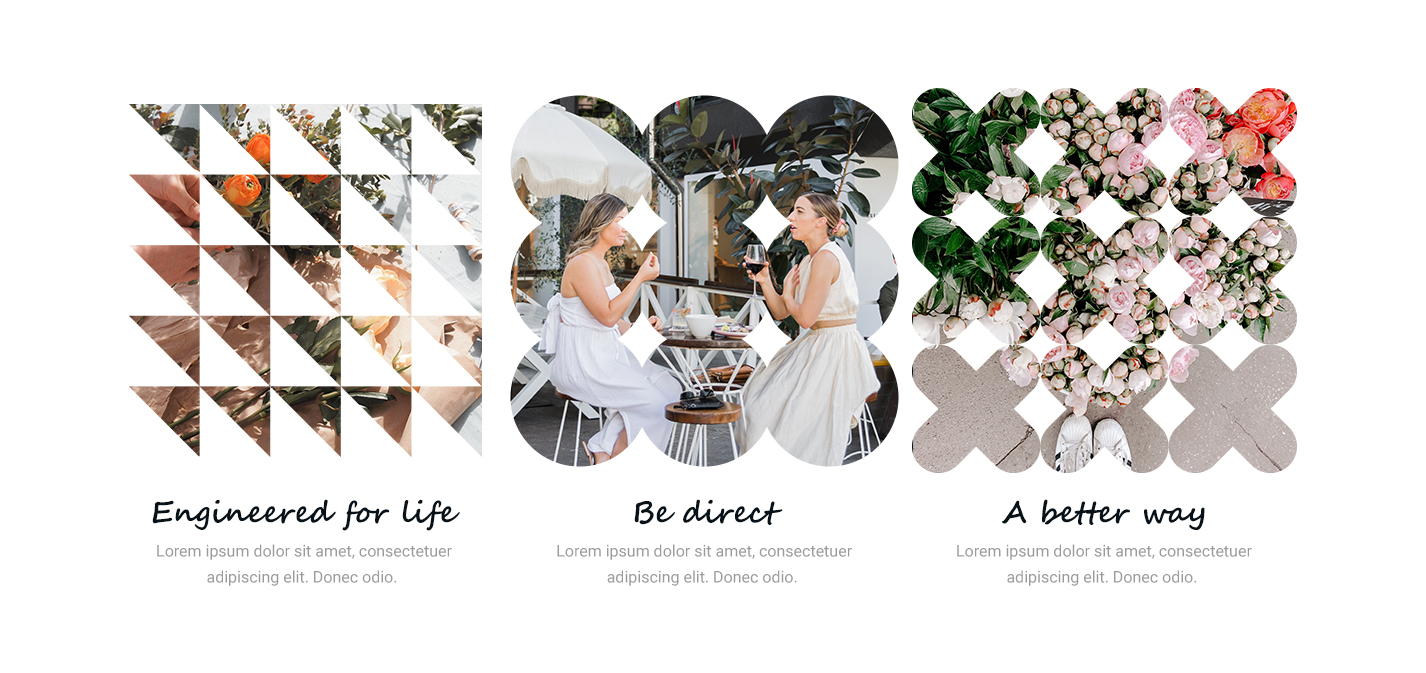
- Use geometric masks on gallery images for a modern grid look
- Apply decorative frames to portfolio thumbnails
- Build hover effects where the mask shape changes on rollover
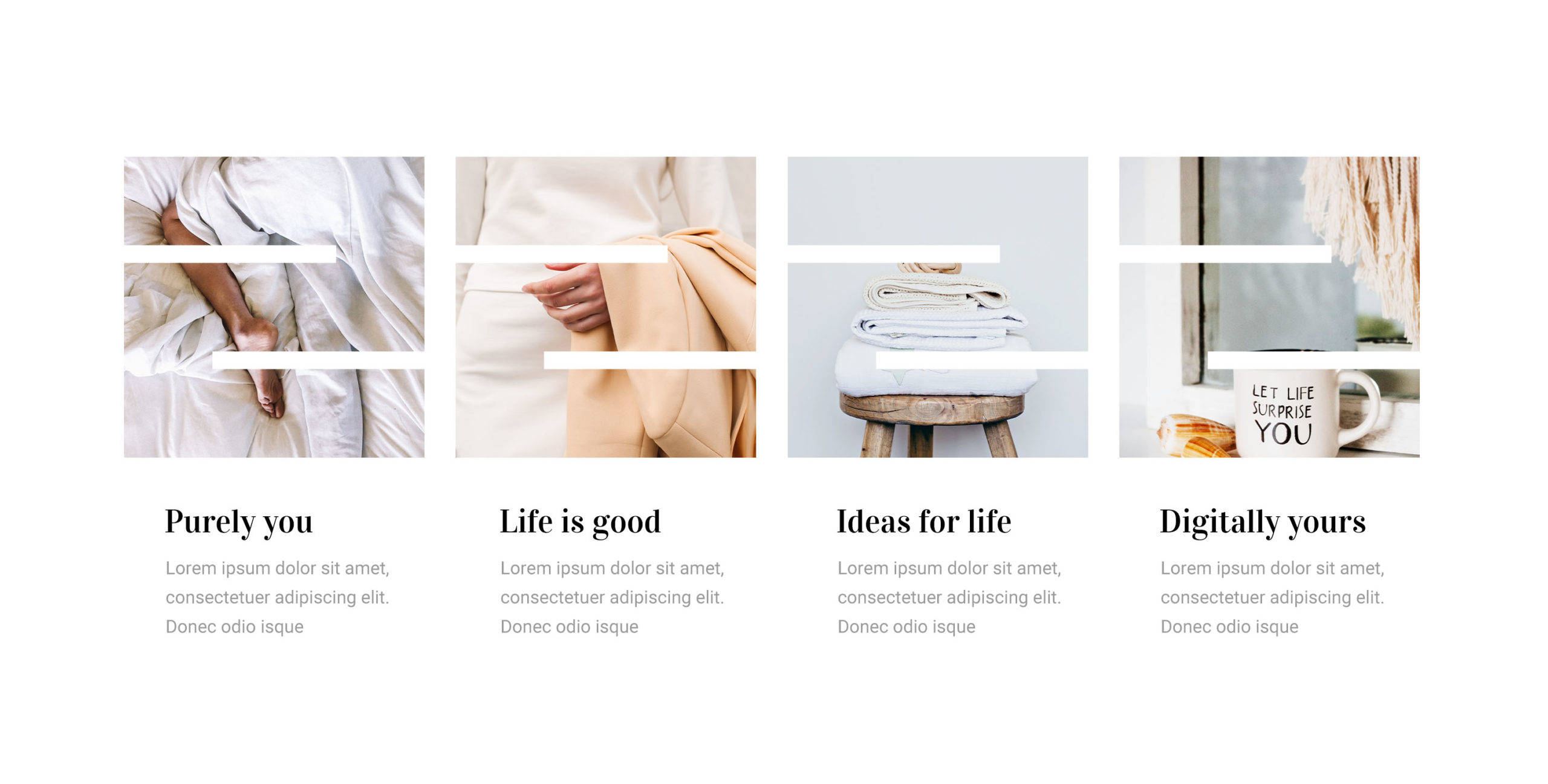
- Use repeating pattern masks for textured background images
- Give hero sliders a custom silhouette instead of a plain rectangle
The creative possibilities scale with the library. 56 categories. 4,500+ shapes. All inside the builder.
Masks Stay Local
When you save a mask, it is stored in your WordPress database. No external requests on the frontend. No reliance on a cloud server to render your published pages. Your masks are yours and they persist across pages, sessions, and browser reloads.
Saved masks also appear in Divi’s native Background > Mask picker, so you can use them through the standard Divi mask workflow too.
$5. Unlimited Sites. 30-Day Guarantee.
Divi Mask Library costs $5 on the Divi Marketplace. That includes:
- 4,500+ hand-drawn SVG shapes across 56 categories
- One-click SVG-to-Divi mask conversion
- Cloud shape browser with search and category filters
- Full Visual Builder design controls
- Desktop, tablet, phone, and hover state support
- 1 year of support and updates
- GPL licensed – use on unlimited sites
- 30-day money-back guarantee
Existing saved masks continue to render even if your license expires. You only need an active license to browse the cloud library and save new masks.
Requirements
Divi Mask Library requires Divi 5, WordPress 6.3+, and PHP 8.0+. It does not support Divi 4.
Your purchase must be made from the same Elegant Themes account that holds your API key. Enter your key in Divi > Theme Options > Updates and the plugin validates it automatically.
Get Divi Mask Library
If you have ever wanted more mask options in Divi without the SVG-editing detour, this is what we built it for.
Buy Divi Mask Library on the Divi Marketplace – $5
Requirements
Divi Mask Library requires Divi 5, WordPress 6.3+, and PHP 8.0+. It does not support Divi 4.
Your purchase must be made from the same Elegant Themes account that holds your API key. Enter your key in Divi > Theme Options > Updates and the plugin validates it automatically.
Get Divi Mask Library
If you have ever wanted more mask options in Divi without the SVG-editing detour, this is what we built it for.
Buy Divi Mask Library on the Divi Marketplace – $5

Latest Posts
 Divi 5 Update: 61 New Sections Added to Divi Den Pro
 Divi 5 Update: 110 New Sections Added to Divi Den Pro
 Divi Motion Text brings Typing, Highlight, and Word-swap Animations to Your Headlines
 Divi 5 Update: 42 New Sections and 4 Pages Added to Divi Den Pro
 Invest Starter Site for Divi 5 (Seven of 20 Coming Soon)