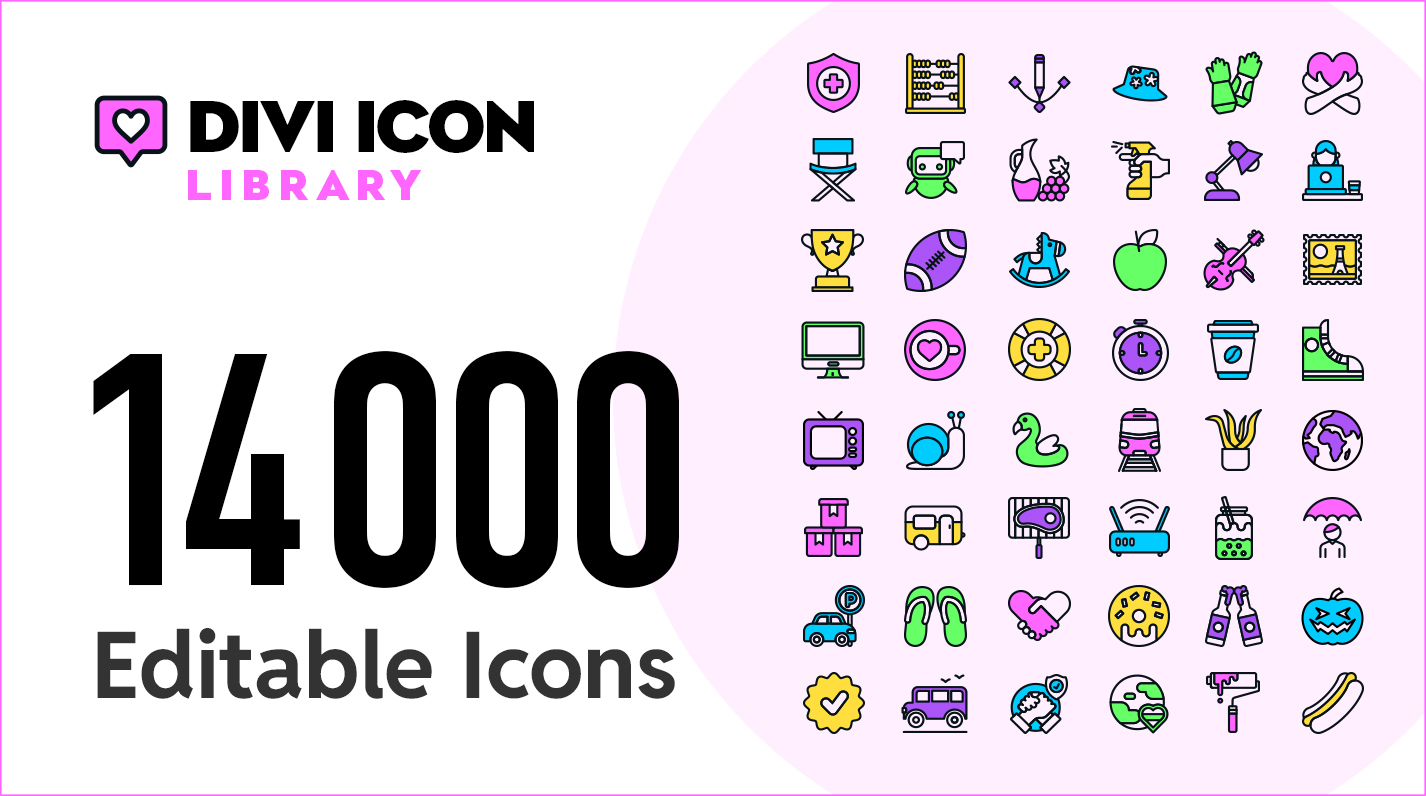
TL;DR: 14,000+ searchable SVG icons for Divi 5. Three icon styles: Line, Shape, and Filled. Full colour control. Inline SVG rendering. No icon fonts. No external requests. Fast pages.
Divi’s built-in icon library is solid, but sometimes more is needed. More variety. More styles. More control. That is why the Divi Icon Library extension was built.
Divi Icon Library is part of the Divi Den toolkit. Pair it with 4,500+ custom image masks – built for Divi 5.
What you get
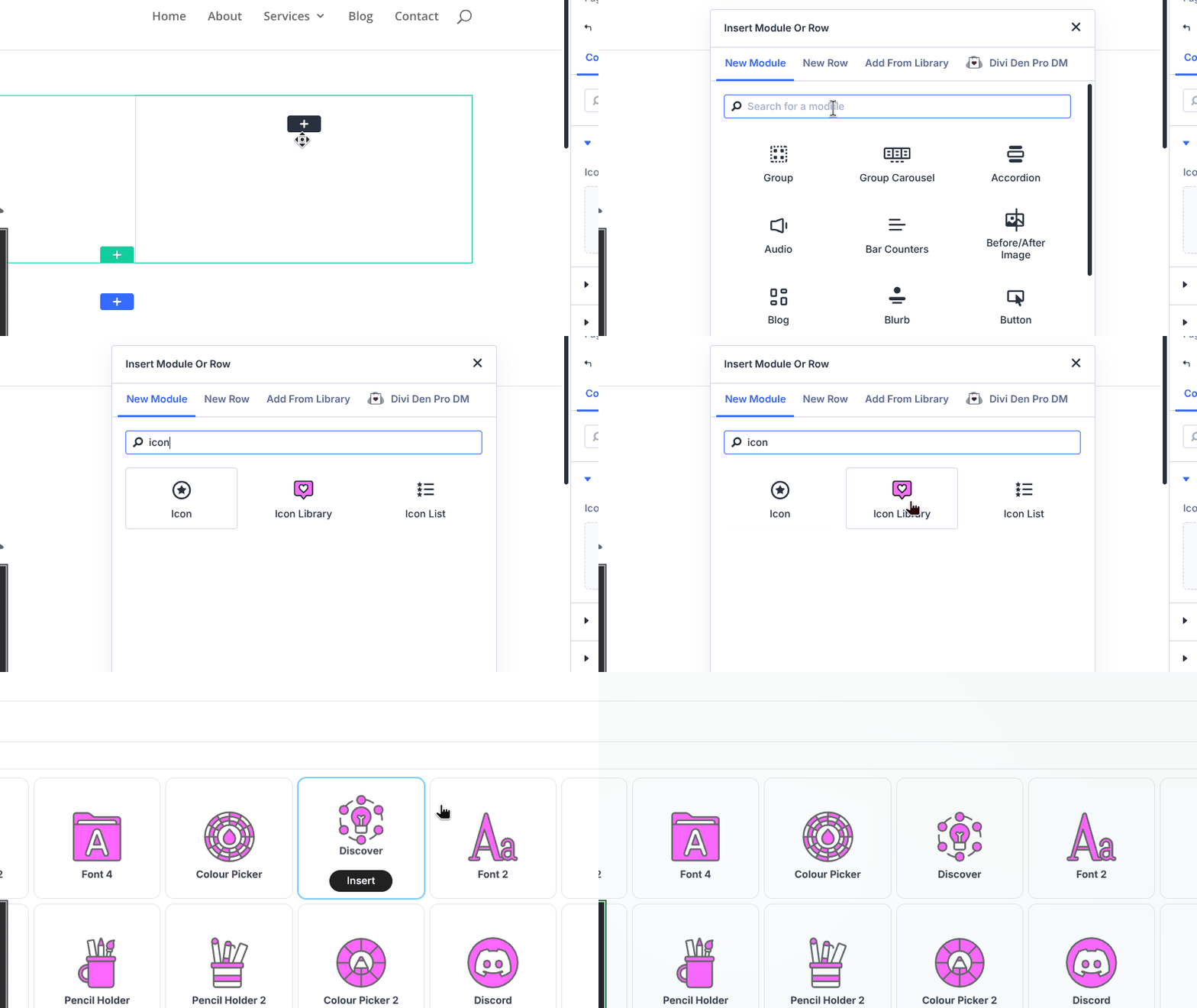
A searchable cloud library of over 14,000 SVG icons, accessible directly inside the Divi 5 Visual Builder. Find the perfect icon instantly. Pick it. Customise it. Done.
14,000+ icons — Massive variety across dozens of categories. Whatever is being built, there is an icon for it.
3 icon styles — Line icons (stroke-based), Shape icons (solid fill), and Filled icons (two-tone with both stroke and fill). Each style exposes the colour controls that are actually needed.
100% inline SVG — No icon fonts. No external requests after page load. Icons render as clean, inline SVG for maximum performance.
Buy it here. Only available on the Divi Marketplace – Divi Icon Library – $5.
Built for speed
Traditional icon fonts load entire character sets whether they are used or not. External icon services add network requests and dependencies.
The Divi Icon Library takes a different approach. Each icon renders as inline SVG directly in the page markup. Only the icons in use get loaded. No fonts. No external requests. Just clean, fast-loading vector graphics.
The result: faster pages and fewer dependencies.
Full colour control
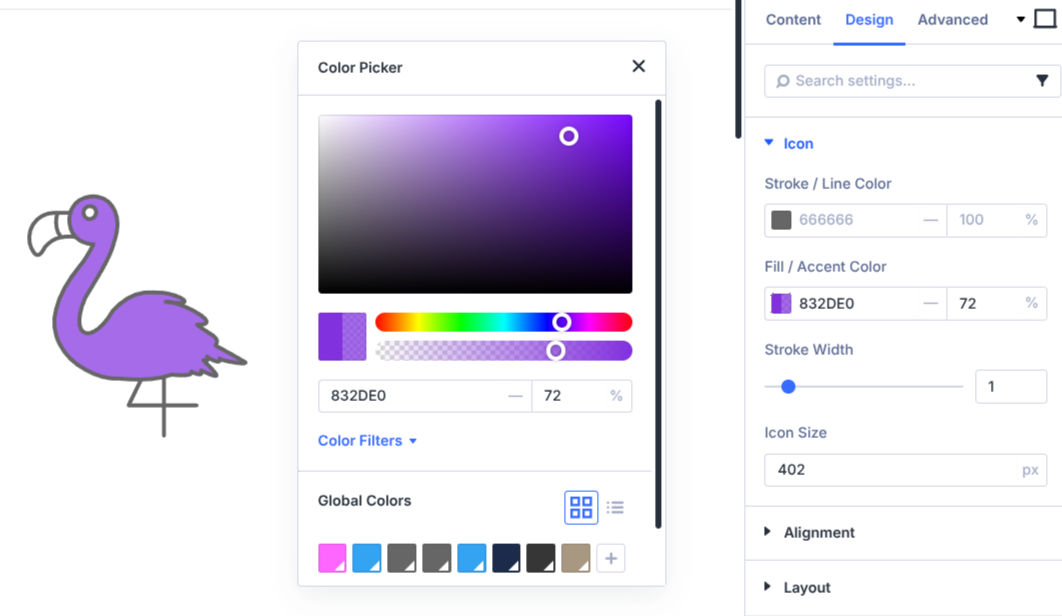
Every icon supports full colour customisation directly in the Divi Visual Builder:
Line icons — Control the stroke or line colour. Ideal for outline-style icons.
Shape icons — Control the fill or accent colour. Ideal for solid icons.
Filled icons — Control both stroke and fill. Ideal for two-tone icons with outlines and accent fills.
All colour controls include full responsive support, with hover states and transitions built in. Colours can be changed per breakpoint, hover effects can be added, and the icons respond accordingly.
Searchable library
Finding the right icon should not take longer than using it.
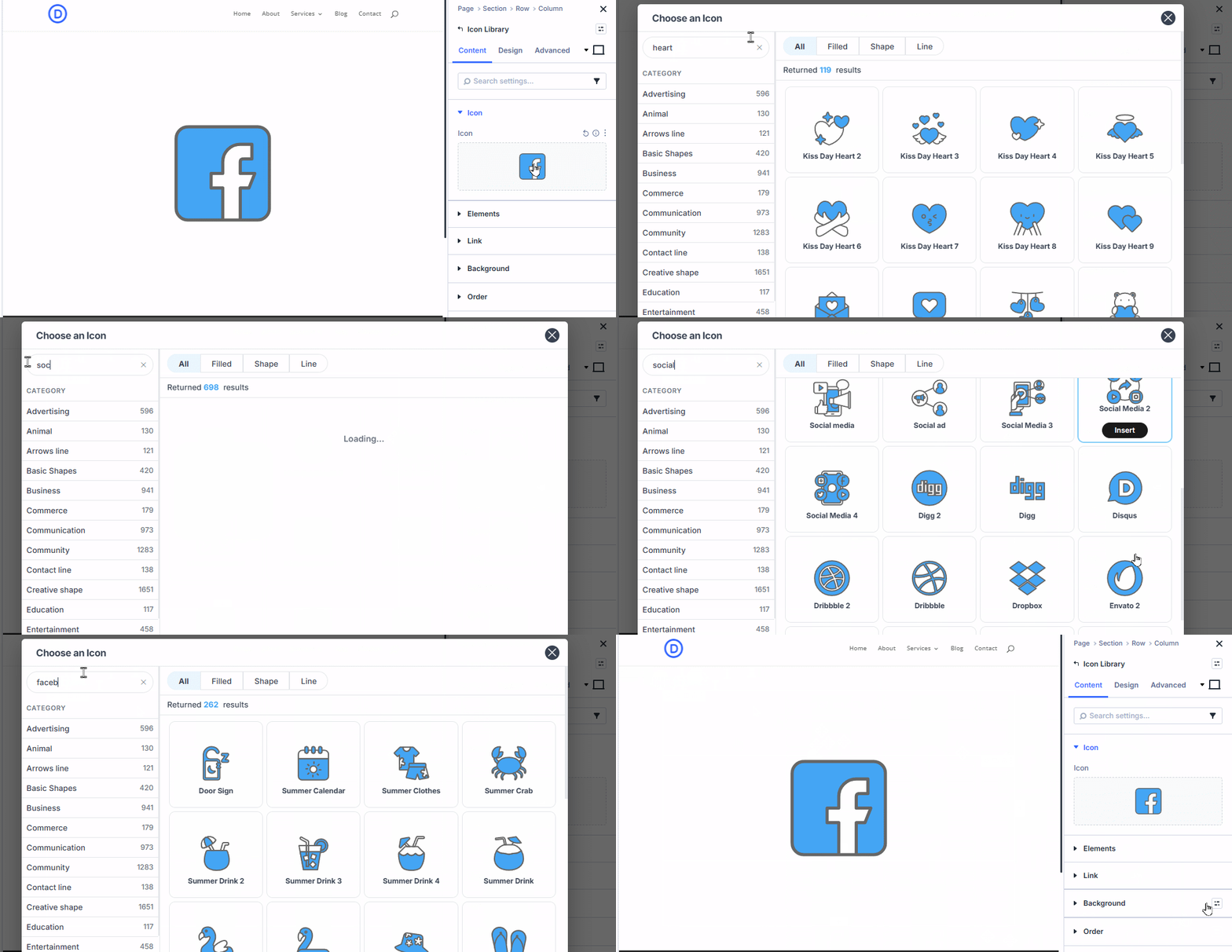
The Divi Icon Library includes a searchable picker modal that opens directly inside the Visual Builder. Type a keyword. Browse by category. Filter by icon style. Preview before committing.
The search is fast. The categories are logical. What is needed can be found quickly.
Module features
The Icon Library module gives everything expected from a Divi module, plus a few extras:
Size control — Set icon size with full unit support (px, em, rem, %, vw, vh). Responsive sizing per breakpoint.
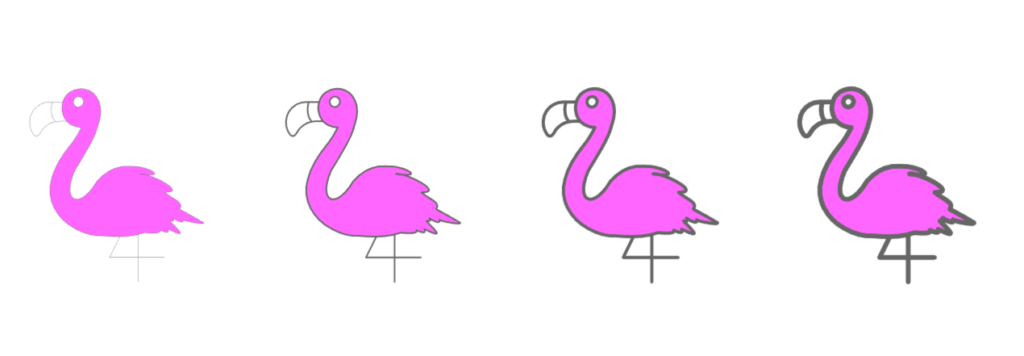
Stroke width — Adjust line thickness for Line and Filled icons. Fine-tune the visual weight.
Alignment — Horizontal alignment options help position icons exactly where they are needed.
Link wrapper — Wrap any icon in a link with target support. Useful for social icons, navigation, and calls to action.
Child modules — The icon module acts as a container. Any Divi module can be added inside it using the Elements group. Text can be stacked below icons, and creative layouts can be built.
Divi decorations — All standard Divi module options are included: backgrounds, borders, box shadows, animations, spacing, and more.
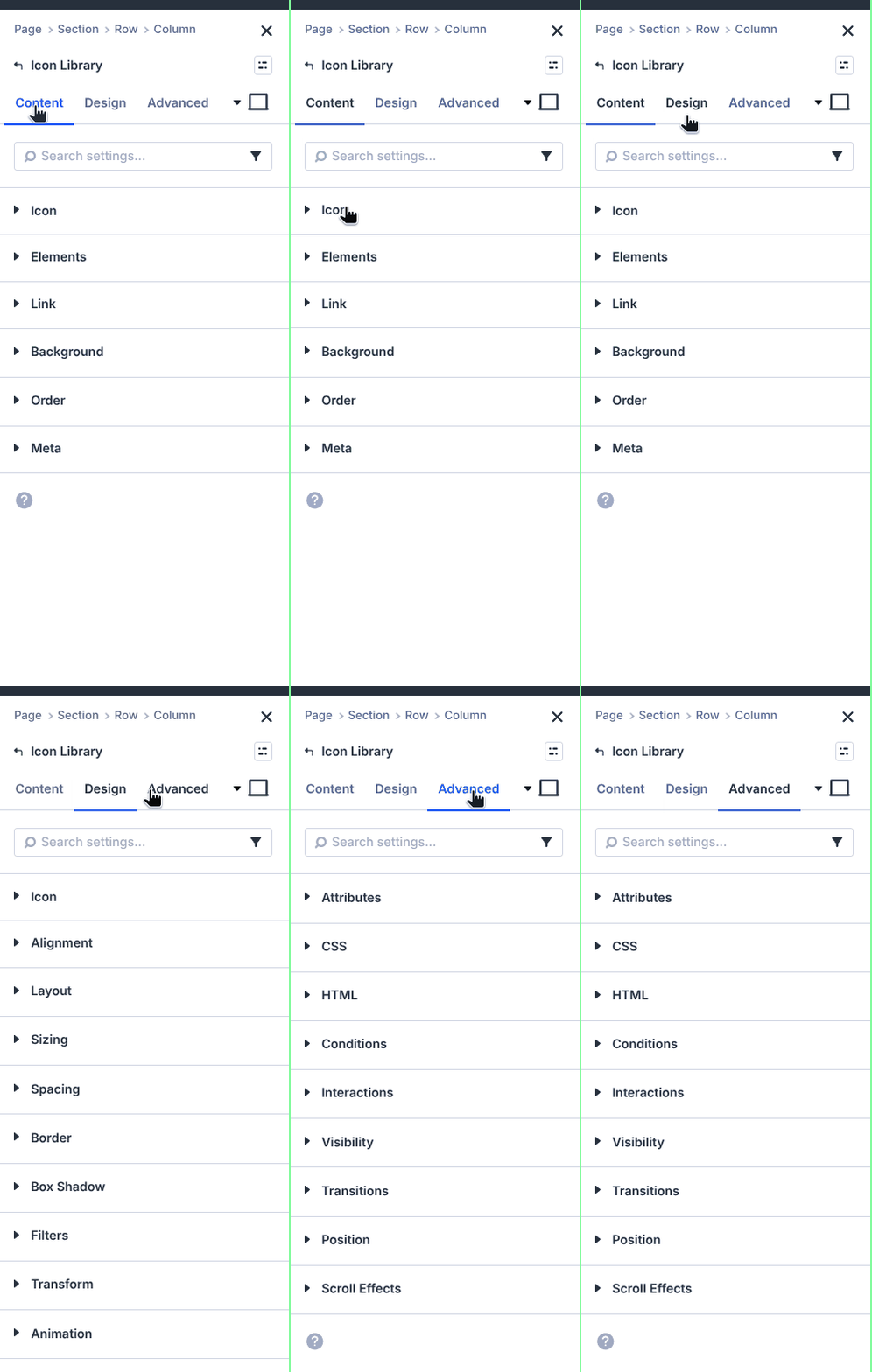
Three icon styles explained
Not all icons are created equal. Different styles serve different purposes. The Divi Icon Library organises icons into three categories based on how they are drawn.
Line icons
Outline-style icons drawn with strokes. Clean, minimal, and modern. The module exposes stroke or line colour controls so the outline colour can be customised.
Best for: UI elements, navigation, minimal designs, and professional interfaces.
Shape icons
Solid icons drawn with fills. Bold, confident, and high-impact. The module exposes fill or accent colour controls so the solid colour can be customised.
Best for: badges, markers, bold statements, and high-contrast designs.
Filled icons
Two-tone icons with both outlines and accent fills. The best of both worlds. The module exposes both stroke and fill controls so each channel can be customised independently.
Best for: illustrative icons, feature highlights, and designs that need visual depth.
Requirements
The Divi Icon Library requires:
- Divi 5 — The plugin is built for Divi 5 Visual Builder. It does not work with Divi 4.
- WordPress 6.x+ — Runs on any modern WordPress installation.
- Valid Divi Marketplace purchase — The Elegant Themes API key validates the subscription.
The plugin is GPL licensed and can be used on unlimited sites.
Get the Divi Icon Library
The Divi Icon Library is available now on the Divi Marketplace.
14,000+ icons. Three styles. Full colour control. Inline SVG. Fast pages.
Find the perfect icon for every project.
Latest Posts
 Divi 5 Update: 61 New Sections Added to Divi Den Pro
 Divi 5 Update: 110 New Sections Added to Divi Den Pro
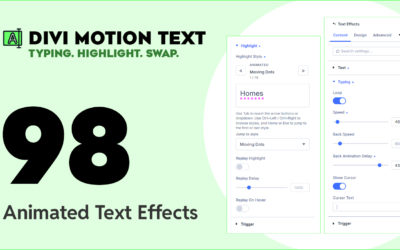 Divi Motion Text brings Typing, Highlight, and Word-swap Animations to Your Headlines
 Divi Mask Library | 4,500+ Custom Image Masks for Divi 5
 Divi 5 Update: 42 New Sections and 4 Pages Added to Divi Den Pro